Getting started
Pin ViralFeed and go
- About a minute
- Chrome and any Chromium
- No account needed
- 1Pin ViralFeedClick the puzzle piece in your browser's toolbar and hit the pin next to ViralFeed. That puts it one click away instead of inside a menu.
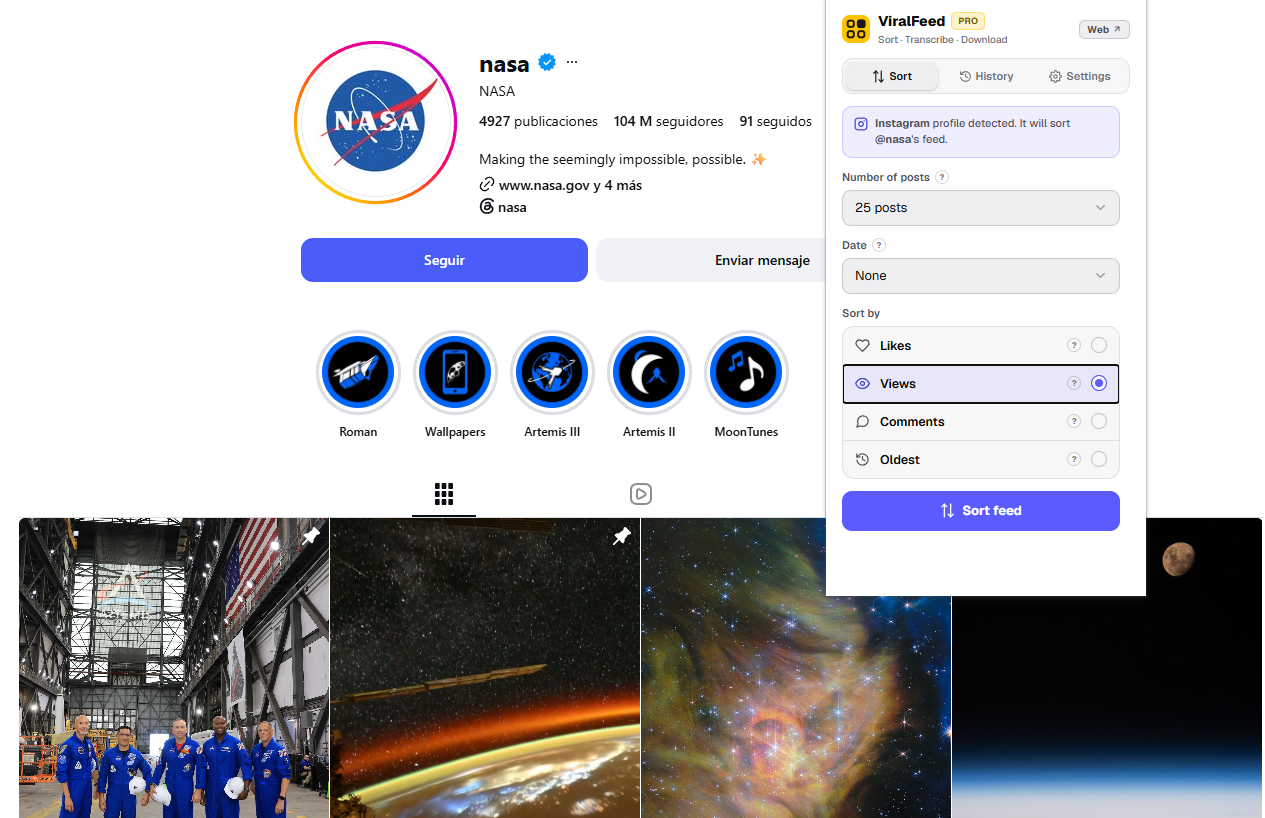
- 2Open a profileA creator in your niche on Instagram, TikTok, X, Threads or LinkedIn, or a YouTube channel. The one you'd have opened anyway.
- 3Sort it by what workedOpen ViralFeed, pick how many posts, choose «Views» and press «Sort feed». The grid comes back in order, every post carrying its numbers, and the ones that broke the pattern wearing their ×N badge.